Help menu
The Help menu is the way into the documentation. It offers a search box, opens the floating Help panel, and opens the full documentation index.
Basic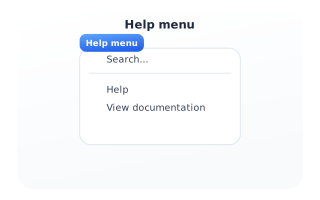
Search and open help
Type in the search box to find topics by title, description or keywords - multi-word queries such as 'flip flop' work. Selecting Help opens the floating Help panel where you read articles, browse the thematic index and open component references. View documentation opens that index directly.