Circuit menu
The Circuit menu works with the circuits inside the project. Create a new top-level circuit, add a new sub-circuit inside the active circuit, import a circuit, or save the active circuit.
Basic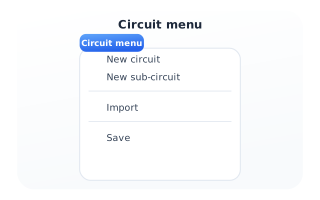
Menu options
New circuit adds another top-level circuit to the project. New sub-circuit creates a child circuit and inserts it inside the active one - it is disabled while you are already editing a sub-circuit. Import brings in a circuit from a file, and Save writes the active circuit.