Align top
Moves every selected component so their top edges line up on the same horizontal line - the top edge of the highest component.
Basic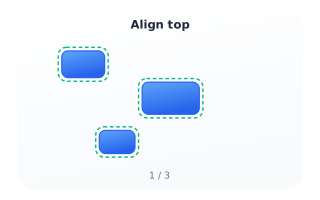
Step 1 - Select
Select two or more components on the canvas - drag a selection box around them or Shift-click each one. Once two are selected the Align panel appears (or open it from the View menu).
Intermediate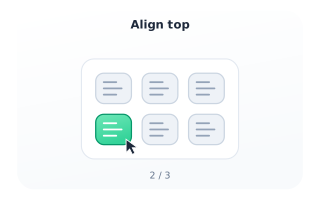
Step 2 - Invoke
In the Align panel, click the “Align top” button. You can also right-click that button and choose “Show help” to reach this article.
Advanced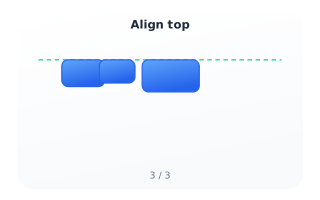
Step 3 - Result
The selected components snap so their top edges share one horizontal line (green guide). Horizontal positions and sizes are unchanged.